Comments
You can add comments to demos (which are always linked to their associated match), players, and rounds.
Comments support Markdown formatting to style your text.
Demos and Matches
Comments added to a demo are always linked to its associated match, and vice versa. You can view or edit these comments in three places:
- The demo/match list. Right-click on a demo or match and click on Comment to show the comment widget.
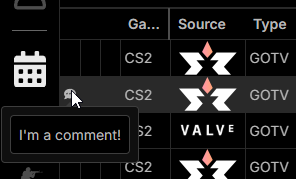
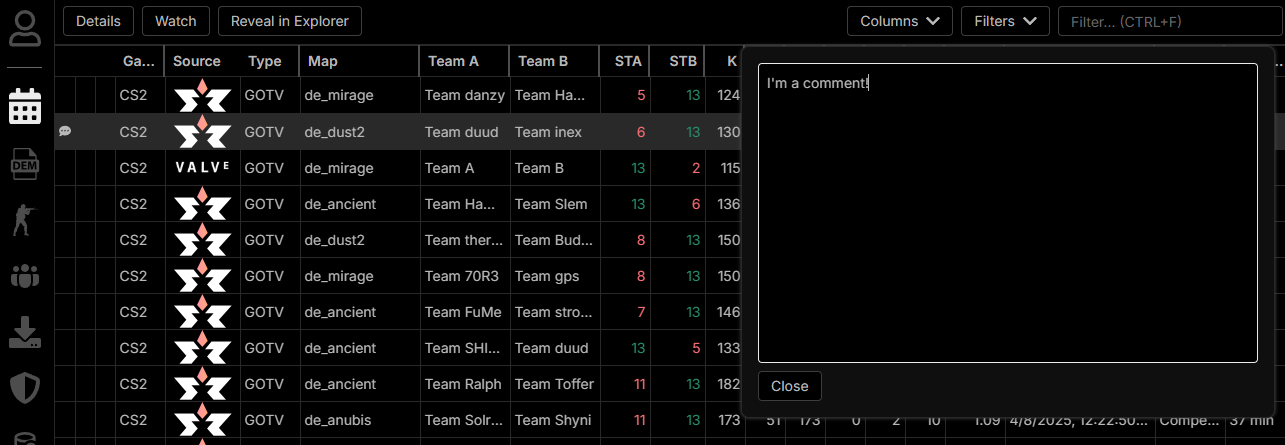 When a demo or match has a comment, a small icon appears in the first column of the list and hovering it shows the comment.
 tip
tipYou can press the
Ckey when a demo or match is selected in the list to open the comment widget and use the arrow keys to navigate. - The demo/match details view.
- The video sequences view.
Rounds
You can view or edit comments for rounds from the Rounds tab in the match view. In the rounds overview, click a round entry to open its details, where you'll find the comment widget.
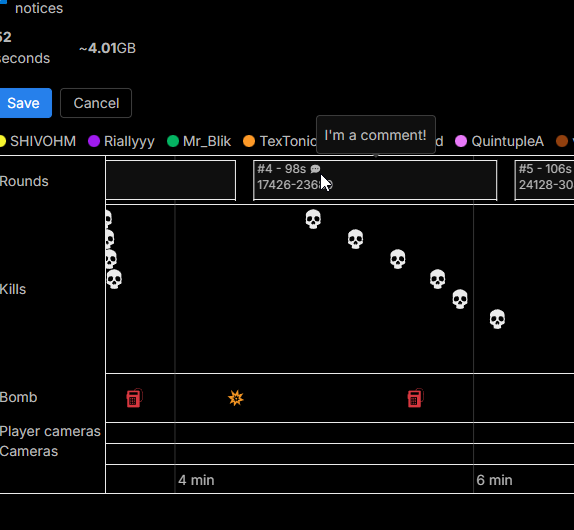
While adding a video sequence, you can also access round comments directly from the timeline.
Hover the comment icon next to the round number to view the comment.
If you don't see the icon, it means that the round has no comment yet.